When Your AI Tools Won't Tell You Which Files They're Touching
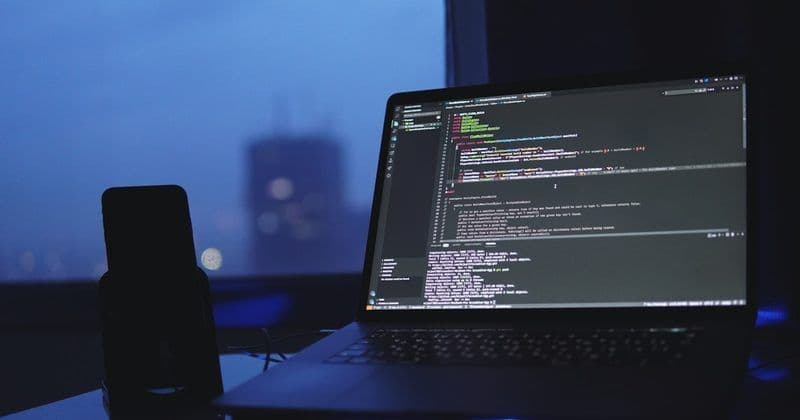
I was deep in a refactor of our Trend Analysis signal model when I hit a frustrating wall. The Claude AI integration was working fine—it would generate insights, process data, manipulate files—but here’s the thing: it never told me what it was doing. No log of which files it touched, no audit trail, nothing. Just results appearing like magic from an invisible hand.
This became a real problem when debugging went sideways. Did the AI modify that config file? Create a temporary artifact? Touch something in the source tree that broke the build? I had to manually trace through git diffs and file timestamps like some kind of digital archaeologist. It’s the software equivalent of asking a colleague “what did you change?” and getting only “I fixed the thing” as an answer.
The core issue is visibility. Tools like Claude Code, Qwen Chat, and similar AI assistants handle files intelligently—they understand context, generate artifacts, integrate with IDEs—but they operate in these opaque silos. When you’re working on a serious refactor across multiple branches and integrations, you need a complete picture. What did the AI read? What did it write? What got cached? What failed silently?
I started thinking about how other tools solve this. Version control systems like Git have been teaching us for twenty years: everything needs an audit trail. Docker knows which files enter a container. Build systems track dependencies. Even security tools like Ghidra log their operations. But most AI coding assistants? They’re still black boxes.
The real pain point emerged when we integrated with Strapi and other services. The AI would generate or modify JSON configs, adjust environment files, create helper scripts—all valuable work—but without knowing what changed, I couldn’t review it properly, couldn’t explain it to teammates, and couldn’t replicate it reliably. For a project handling content enrichment with multiple LLM calls per note, unpredictability is toxic.
The fix isn’t complicated conceptually: AI tools need to expose a structured operation log. Not just “completed successfully,” but something like: files_read: [x, y], files_created: [z], files_modified: [a, b], operations: [...]. JSON format, queryable, timestamped. Make it optional for simple tasks, but mandatory when working with production code.
Until then, I’ve started treating AI-assisted development like I’d treat an untrained intern: I watch closely, verify everything, and maintain my own detailed notes. It’s friction, but it’s better than debugging by archaeology.
Here’s a debugging joke for the exhausted refactorer: The six stages of debugging—1) That can’t happen. 2) That doesn’t happen on my machine. 3) That shouldn’t happen. 4) Why does that happen? 5) Oh, I see. 6) How did that ever work? 😄
Metadata
- Session ID:
- grouped_trend-analisis_20260219_1835
- Branch:
- refactor/signal-trend-model
- Dev Joke
- Почему Scala пошёл к врачу? У него были проблемы с производительностью